

OVERVIEW
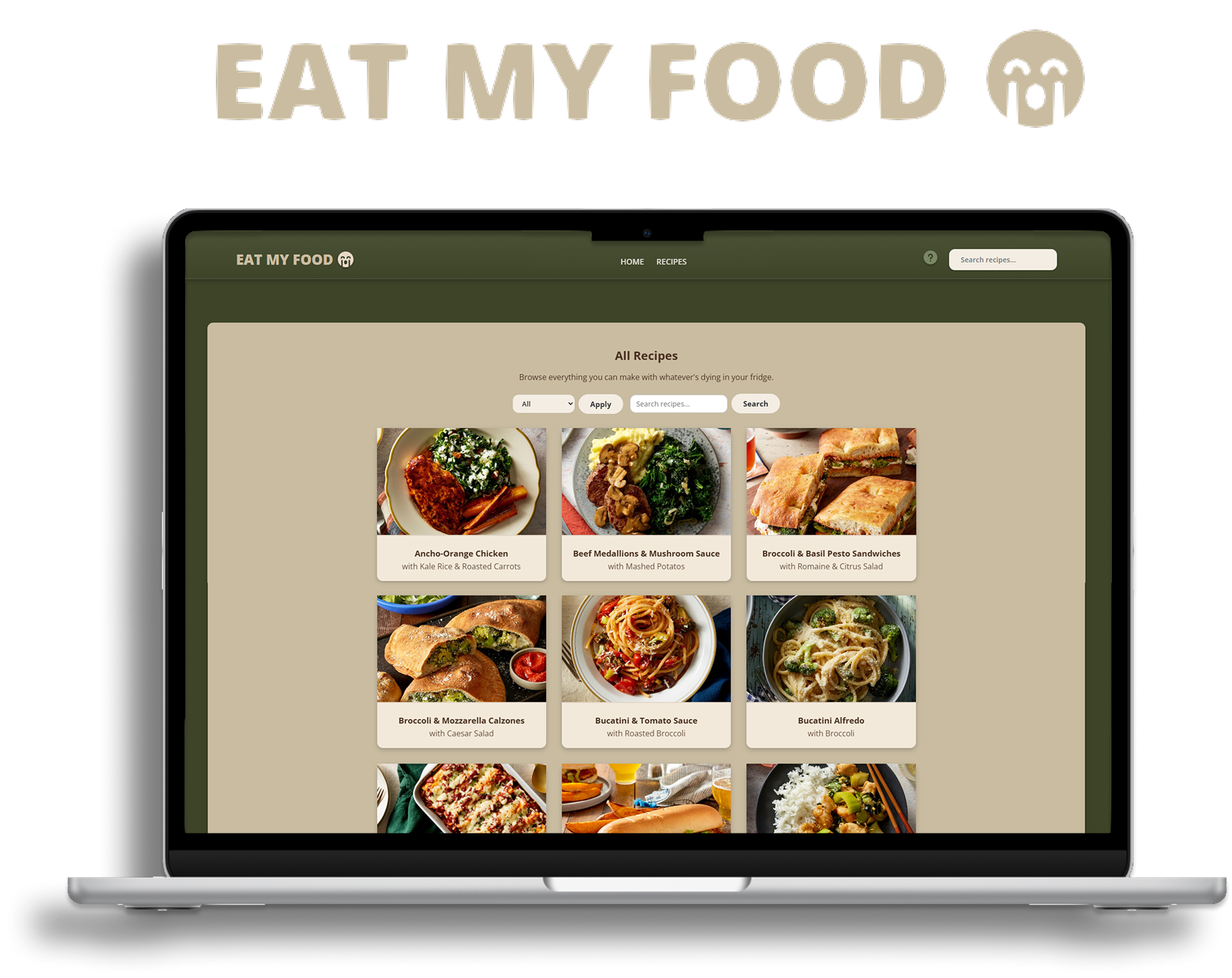
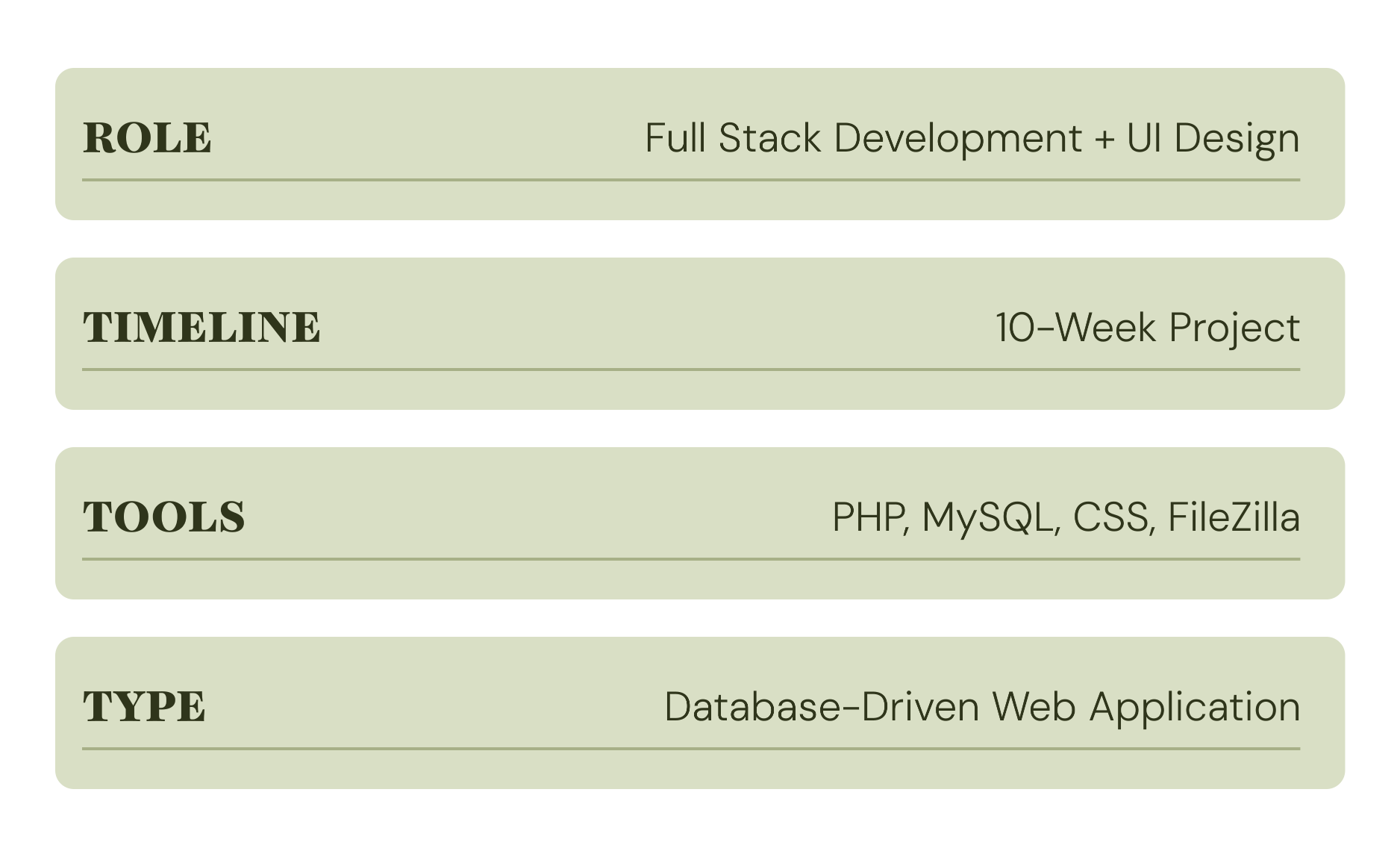
A data-driven recipe website built with PHP and MySQL to replace 40+ static HTML pages with dynamic templates. This was a 10-week project and my first time working with databases and server-side code.
THE PROBLEM
Building a recipe site with 40+ recipes as individual HTML files meant duplicating the same layout dozens of times. Any design update would require editing every single page. I needed a system where content lived separately from presentation and pages generated themselves from data.
DATABASE STRUCTURE
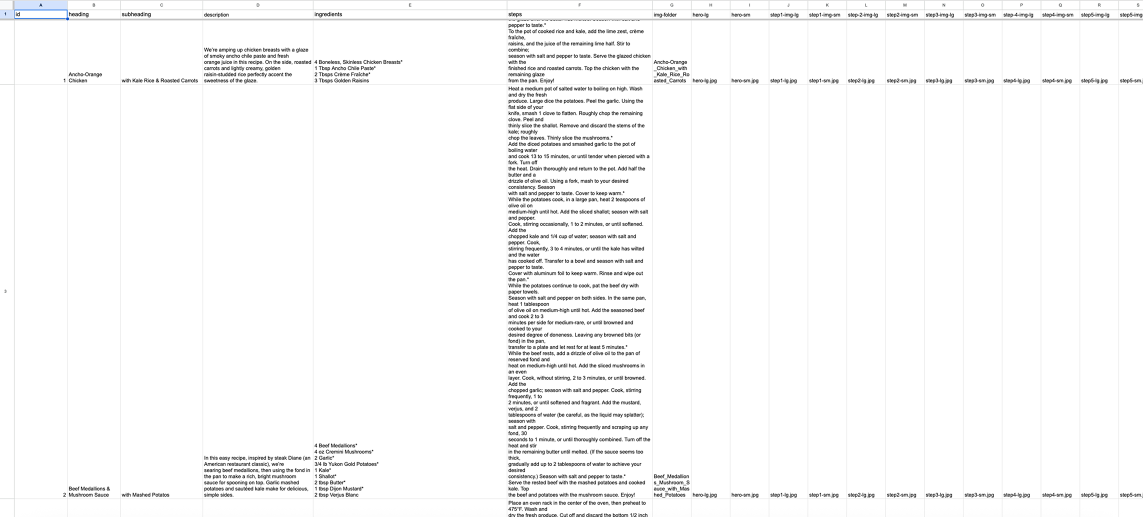
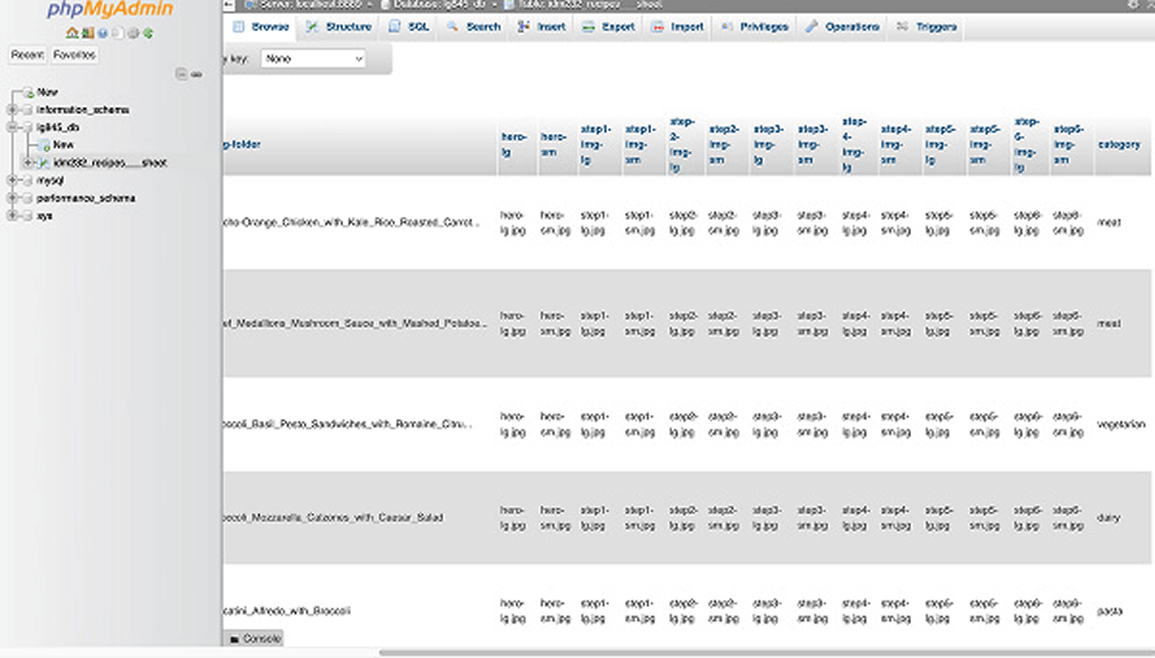
The recipe dataset was built collaboratively with classmates from the same recipe set. Each row stores the recipe title, subheading, description, category, image folder reference, hero thumbnail, and fields for up to 10 step-by-step images.
PHP ARCHITECTURE
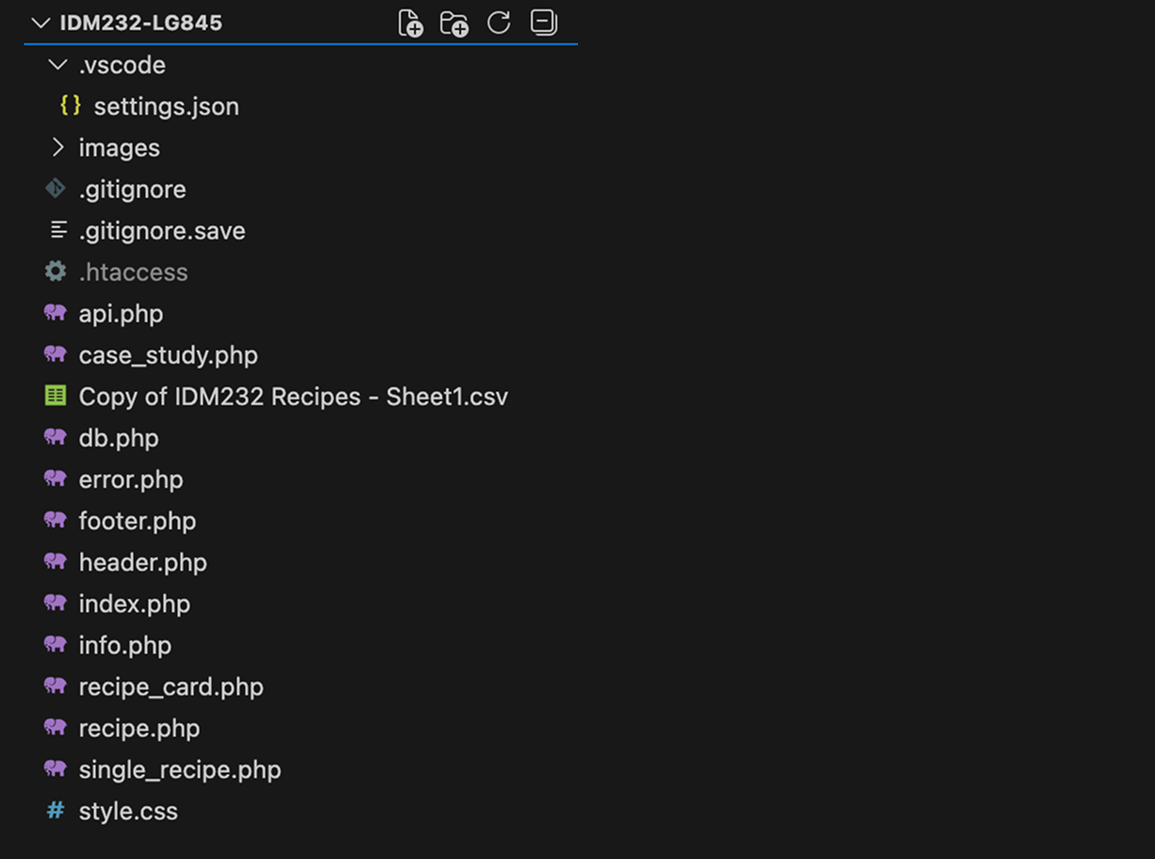
I broke the codebase into reusable components: db.php handles the database connection, recipe_card.php renders the card layout, and shared header/footer files appear on every page. The recipe card function works identically on the homepage and recipes page: one piece of code, two contexts, zero duplication.
SEARCH & FILTERING
The search bar lives in the primary navigation and is accessible from every page. Text search checks input against recipe titles. Category filtering checks against values like "meat," "vegetarian," and "pasta." Both can combine into a single query.
The trickiest part was categorization: many recipes fit multiple categories, so deliberate primary categorization decisions kept filters returning useful, non-overlapping results.
DEPLOYMENT
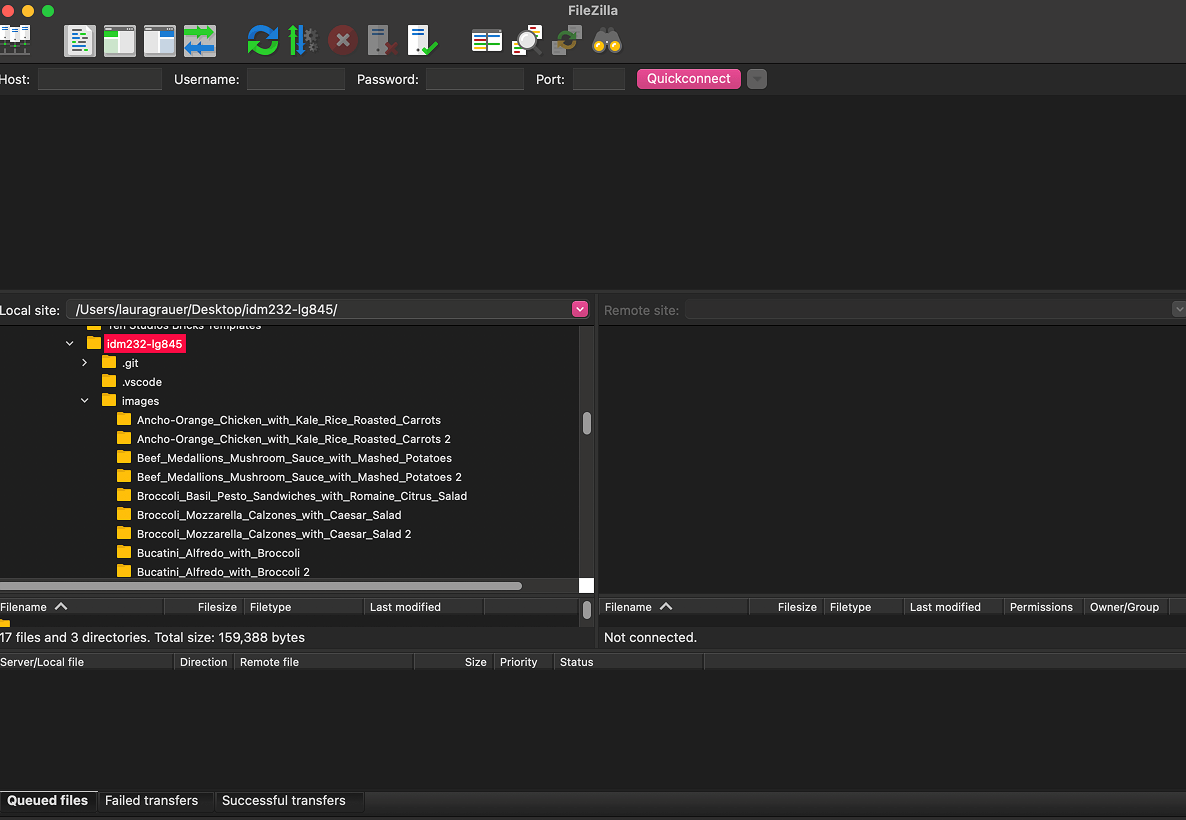
All code was pushed to an external server via FileZilla, requiring configuration of the host, username, and port for SFTP transfers. This added a layer of real world deployment experience beyond local development by remote file structure, ensuring database credentials stayed secure, and testing on a live environment.
DESIGNING THE LOOK
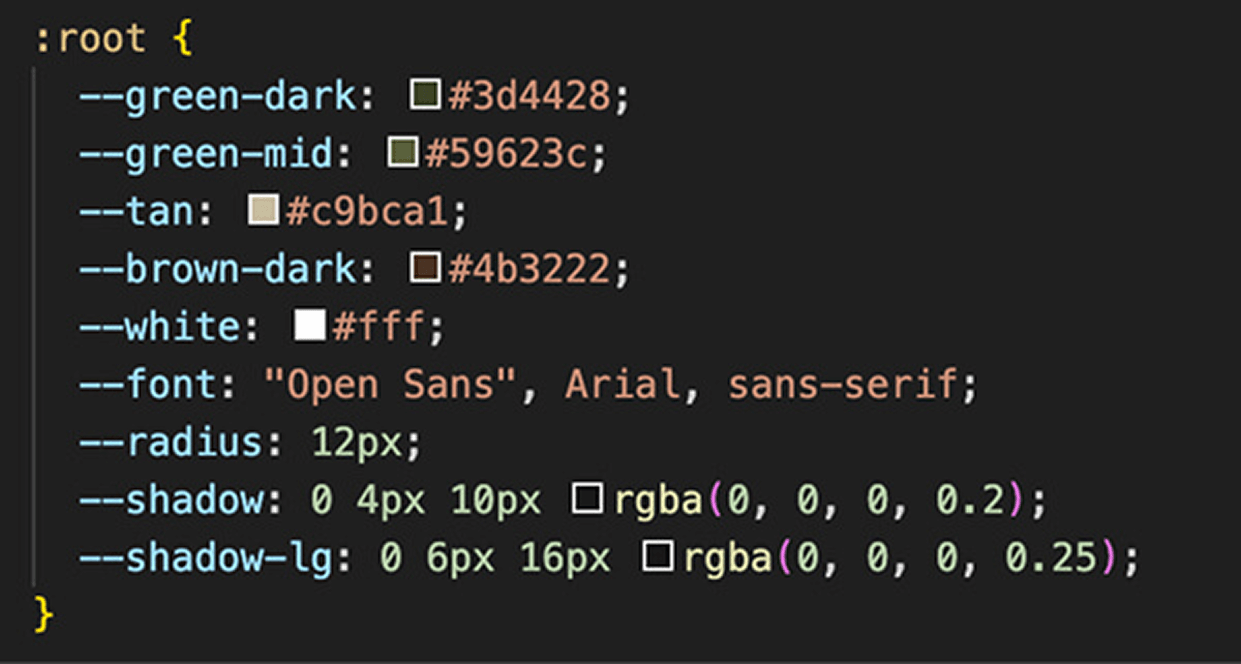
The visual system was defined through CSS custom properties at the :root level using a palette of browns, greens, and tans. Open Sans was the primary typeface with consistent border radius and box shadow values. Centralizing the design tokens meant the entire palette could be adjusted from one place without touching individual components.
RESULTS
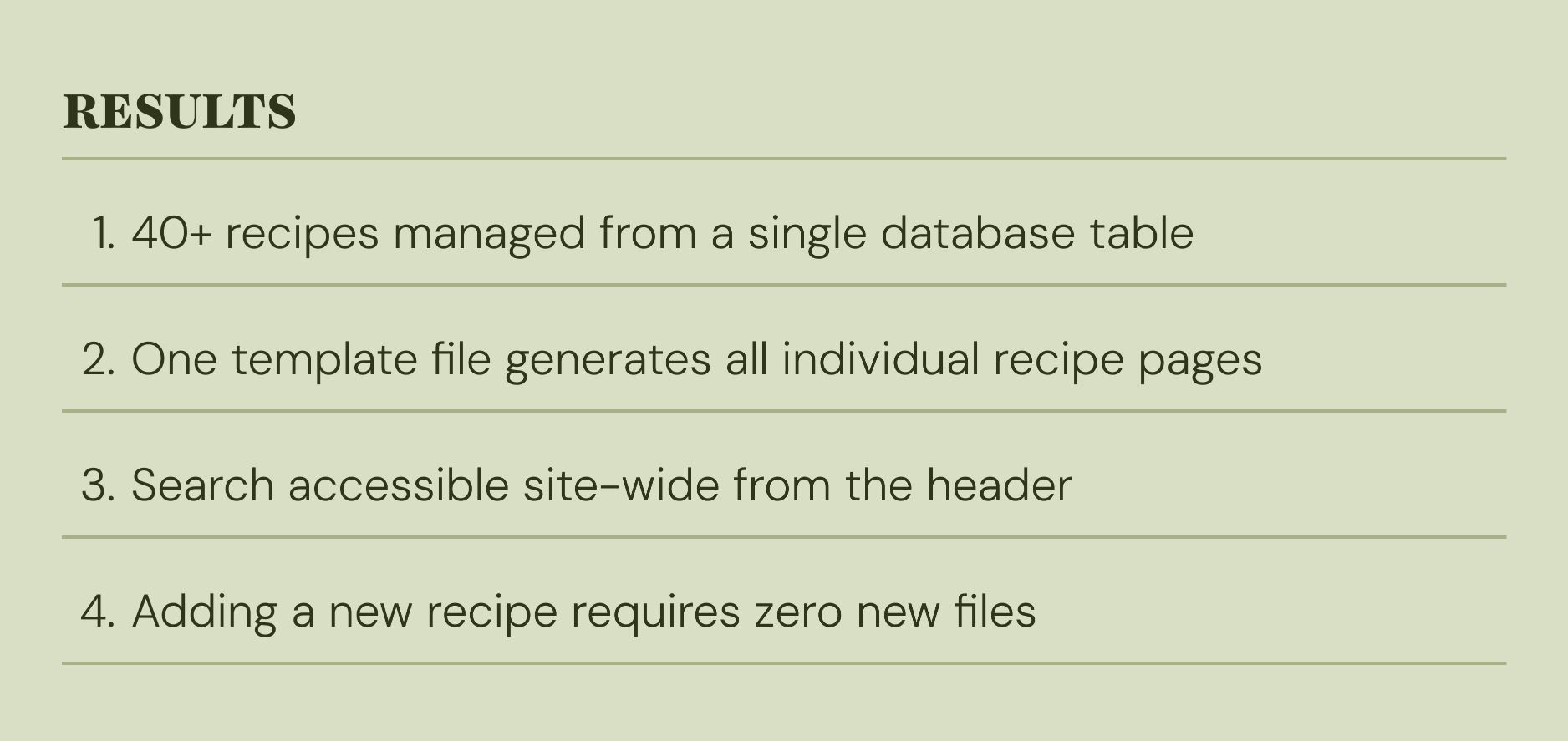
The final PHP build delivered a fully scalable recipe management system with minimal overhead.
CONCLUSION
The final site makes it easy for users to find what they want. The search bar is always visible in the header, filters let people narrow down by category, and the recipe cards give a quick preview before clicking in.
From a development side, planning the database structure early made the rest of the project smoother. Breaking the code into reusable pieces like the recipe card function means less repetition and fewer places for things to break.
Overall the site does what it needs to do. Users can browse, search, and view recipes.